
CMCarouselMint

Case library

See what your content can become

Each example is a deliverable content image, not a fixed template. Choose the outcome your reader needs, then use the matching prompt direction with your own article, notes, offer, or bio.

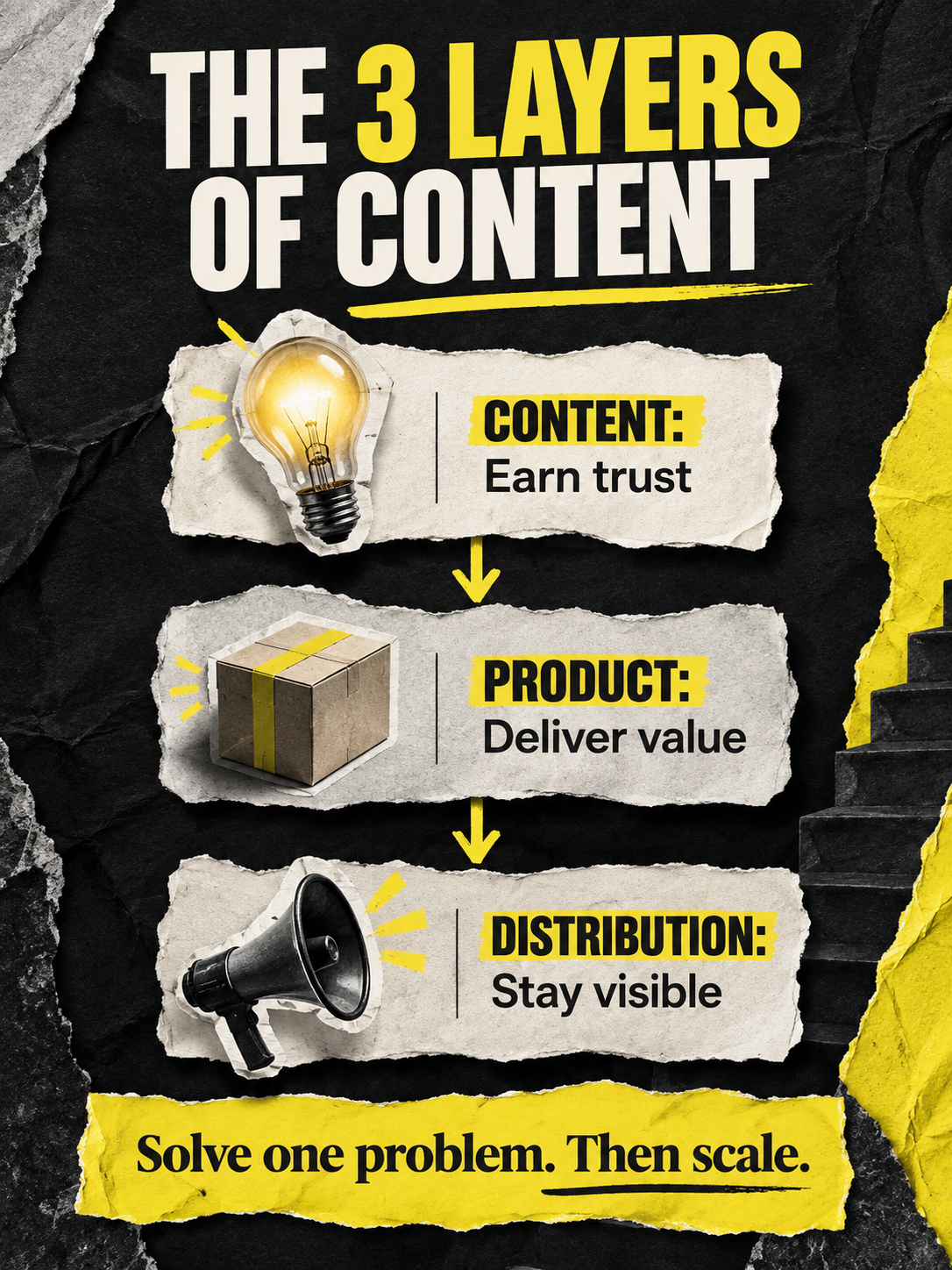
Opinion-led social cover example

Social cover

Opinion-led cover

Lead with one readable idea for an article, LinkedIn post, or creator update.

View editable prompt direction

Create a vertical social cover from this content. Keep one strongest claim as the headline and one supporting conclusion. Prioritize readable editorial layout, generous whitespace, and a clear hierarchy. Do not fill the scene with unrelated imagery. Content: {paste your topic or article}

Copy it, replace the braces, then add your own visual direction if needed.
Make a cover like this
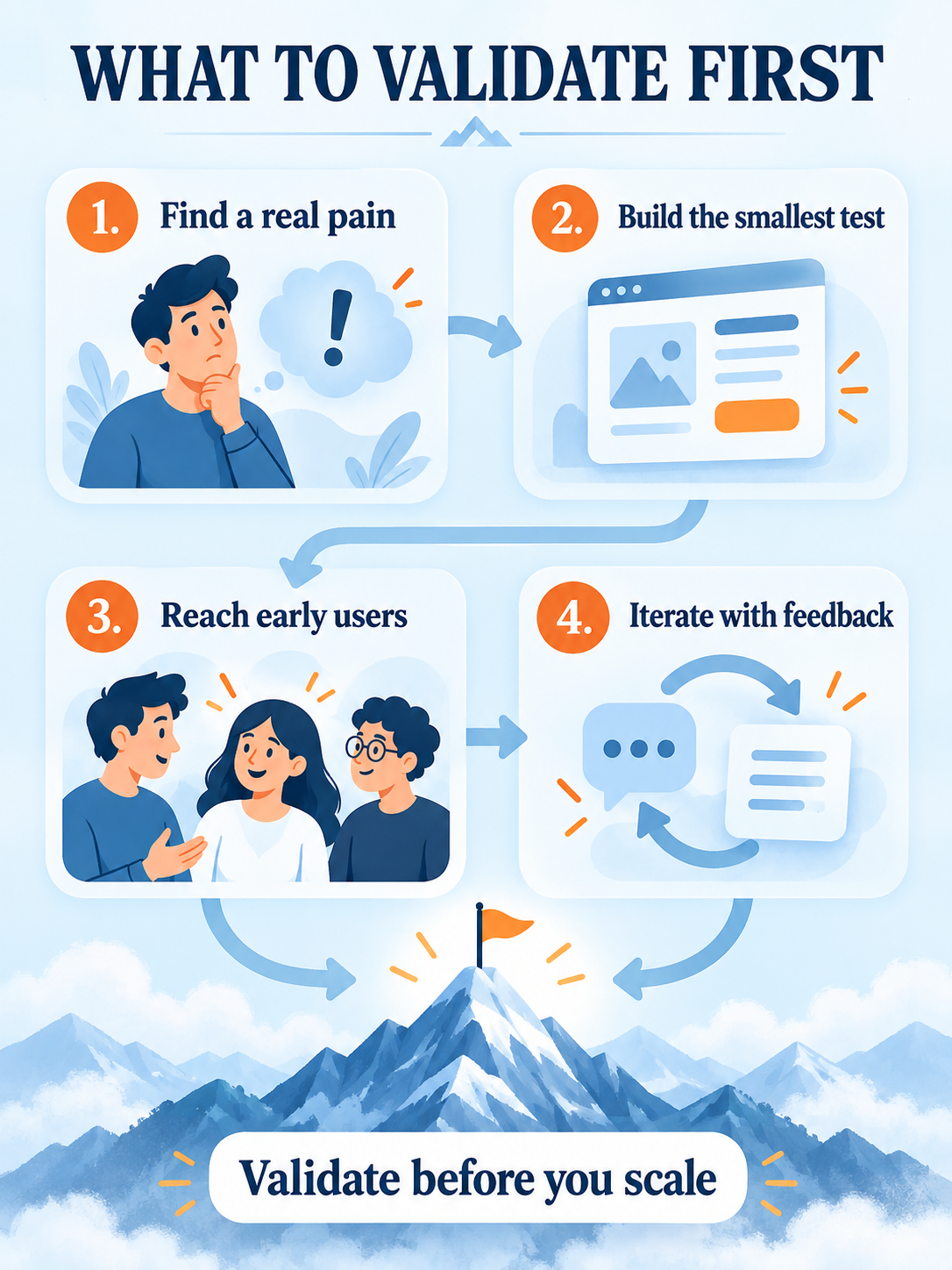
Framework knowledge card example

Knowledge card

Framework visual

Turn conclusions, steps, and evidence into one independent visual people can actually read.

View editable prompt direction

Turn this content into a high-information knowledge card. Start with the conclusion, then organize proof and actions using hierarchy, numbered sections, connections, and simple icons. Keep every claim grounded in the source. Visuals must explain information, not decorate it. Content: {paste your article}

Copy it, replace the braces, then add your own visual direction if needed.
Make a knowledge card
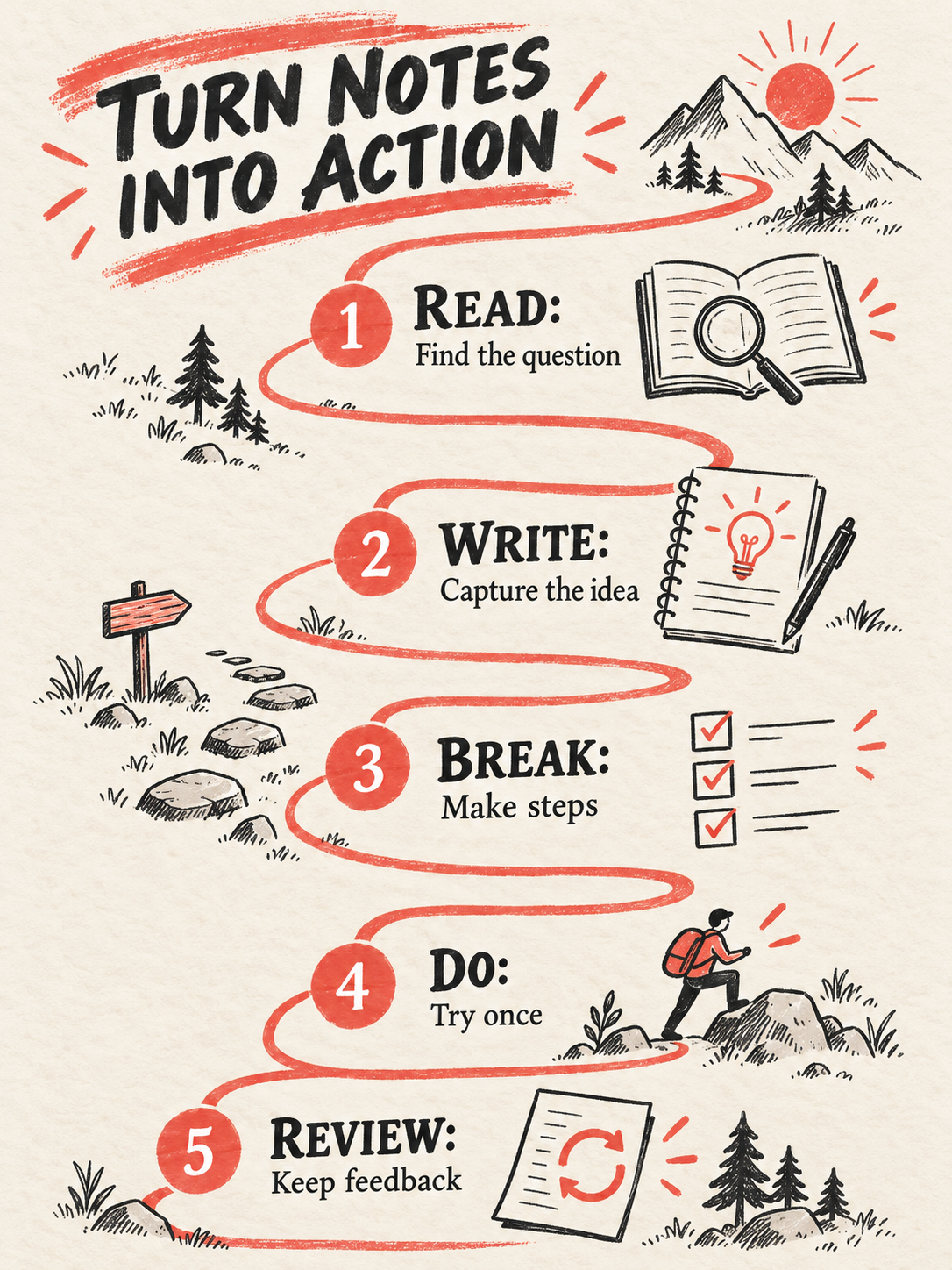
Step-by-step knowledge card example

Notes and methods

Step-by-step explainer

Convert a lesson, note, or repeatable process into a concise visual someone can follow.

View editable prompt direction

Create a step-by-step visual explainer from this note. Show 3 to 7 steps, each with a short title and actionable explanation. Make the sequence and outcome obvious. Avoid generic illustrations and empty visual decoration. Content: {paste your note}

Copy it, replace the braces, then add your own visual direction if needed.
Make an explainer
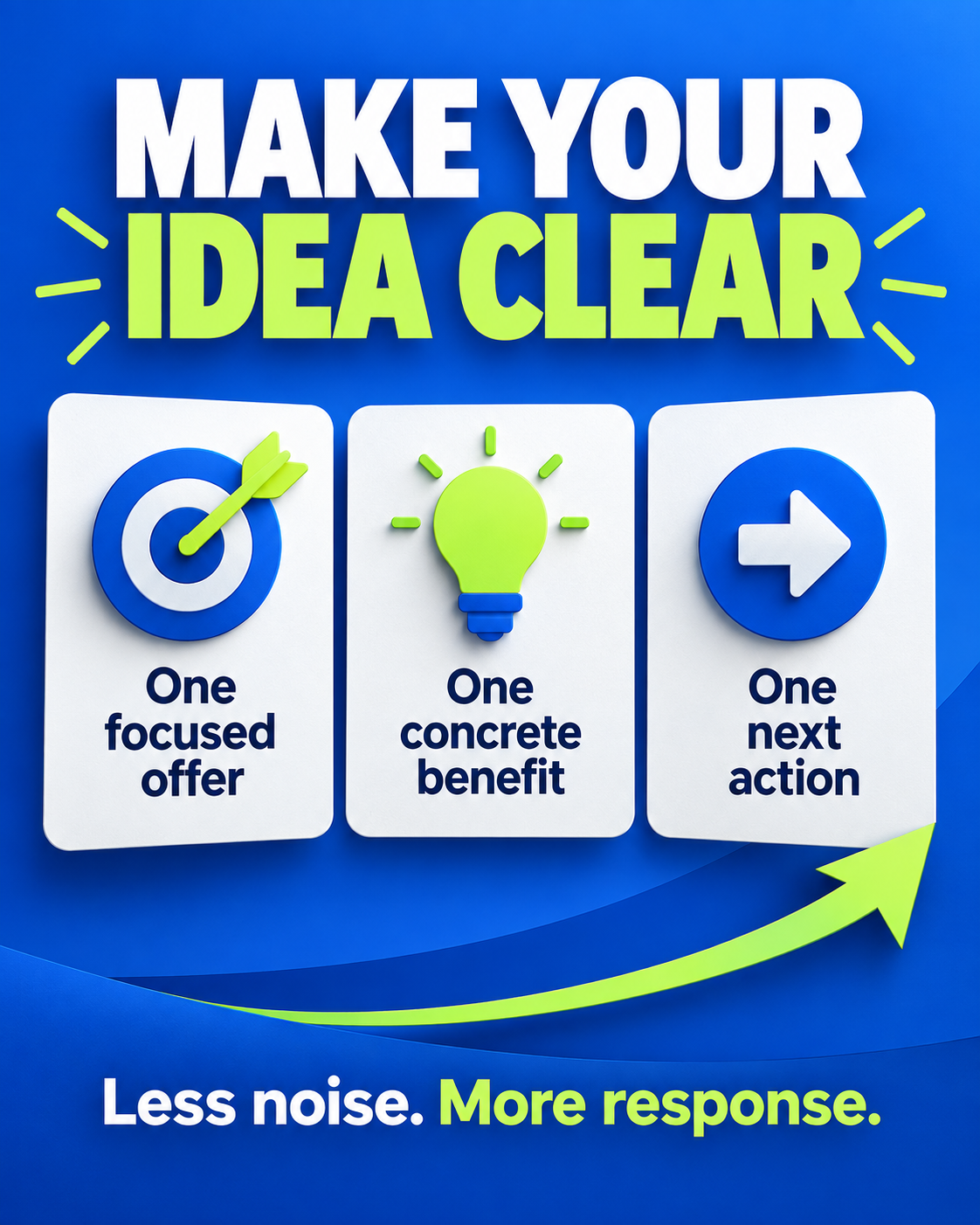
Timeline relationship map example

Mind map

Relationship map

Make complex notes, routes, and decisions easier to scan by showing their connections first.

View editable prompt direction

Turn this content into a relationship-first mind map. Put the central question in the middle, then use branches for stages, causes, methods, or choices. Each node must contain specific source information. Make a readable knowledge map, never a generic technology backdrop. Content: {paste your content}

Copy it, replace the braces, then add your own visual direction if needed.
Make a mind map
Product promotional poster example

Promotional poster

Offer and proof poster

Make a finished social poster for a product, service, event, or creator offer.

View editable prompt direction

Create a promotional social poster from this offer. Establish a visual hierarchy of value proposition, audience, proof, and next action. Use clear editorial typography and only verified details. Do not invent discounts, testimonials, authors, or metrics. Content: {paste your offer}

Copy it, replace the braces, then add your own visual direction if needed.
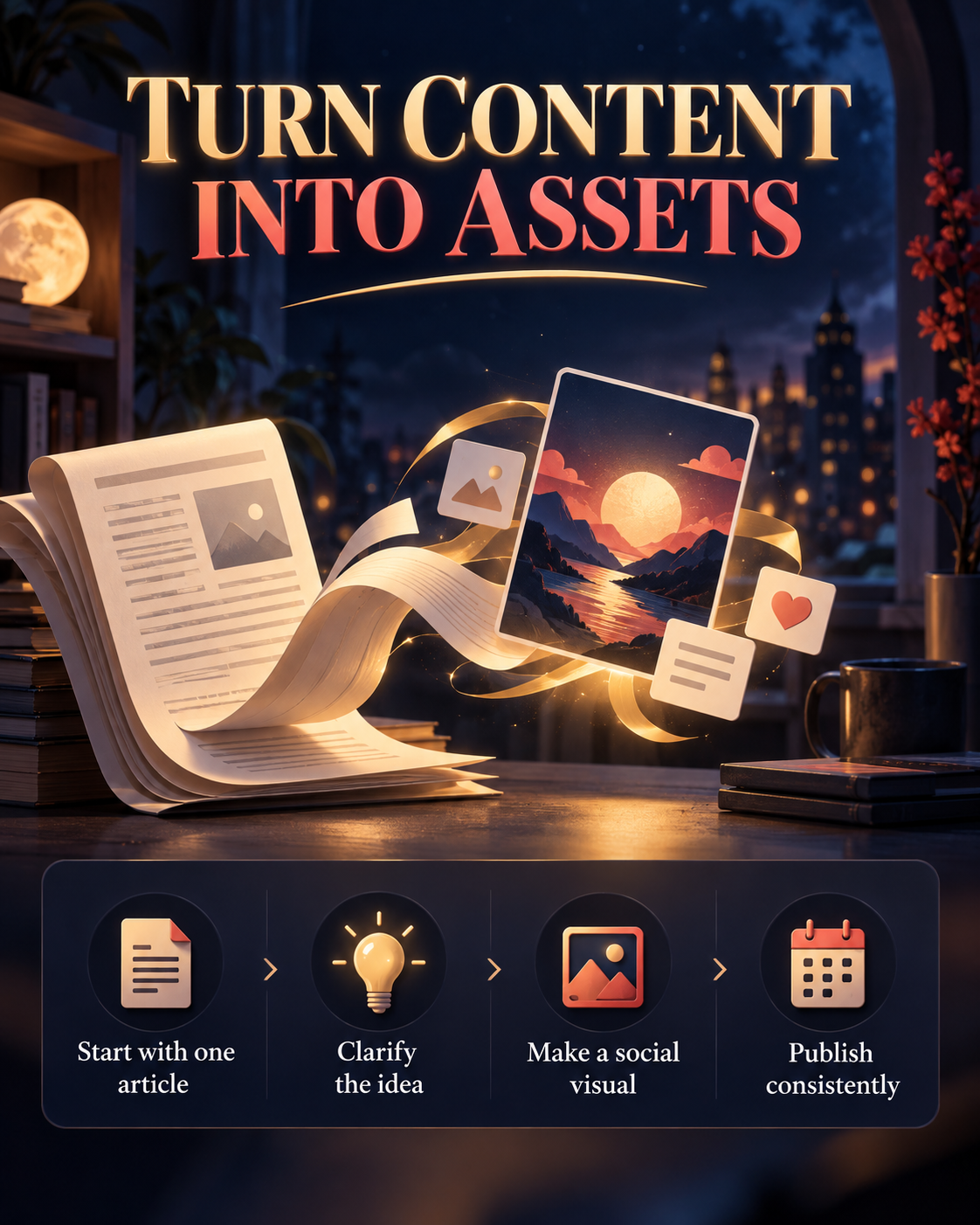
Make a poster
Creator introduction visual example

Creator profile

One-page creator introduction

Present who you are, who you help, proof, and a contact action in one shareable image.

View editable prompt direction

Create a polished one-page creator profile from this bio. Include positioning, audience, representative proof, and a clear action. Use editorial layout and a few supporting graphic elements. Keep identity details accurate. Do not invent credentials, clients, or contact information. Content: {paste your bio}

Copy it, replace the braces, then add your own visual direction if needed.

Make a creator profile

Want a complete social image set from one article?

Start in Create content, choose the image count and delivery. AI images are the default, while the editable template path is available when you need page-by-page edits.

Start creating