LINKEDIN PROFESSIONAL CONTENT
LinkedIn carousel maker: turn a professional point into an evidence-led sequence
Build a professional carousel around a claim, support, and implication. It is designed for methods, case breakdowns, and industry perspectives rather than a generic sales poster.
Make a LinkedIn carousel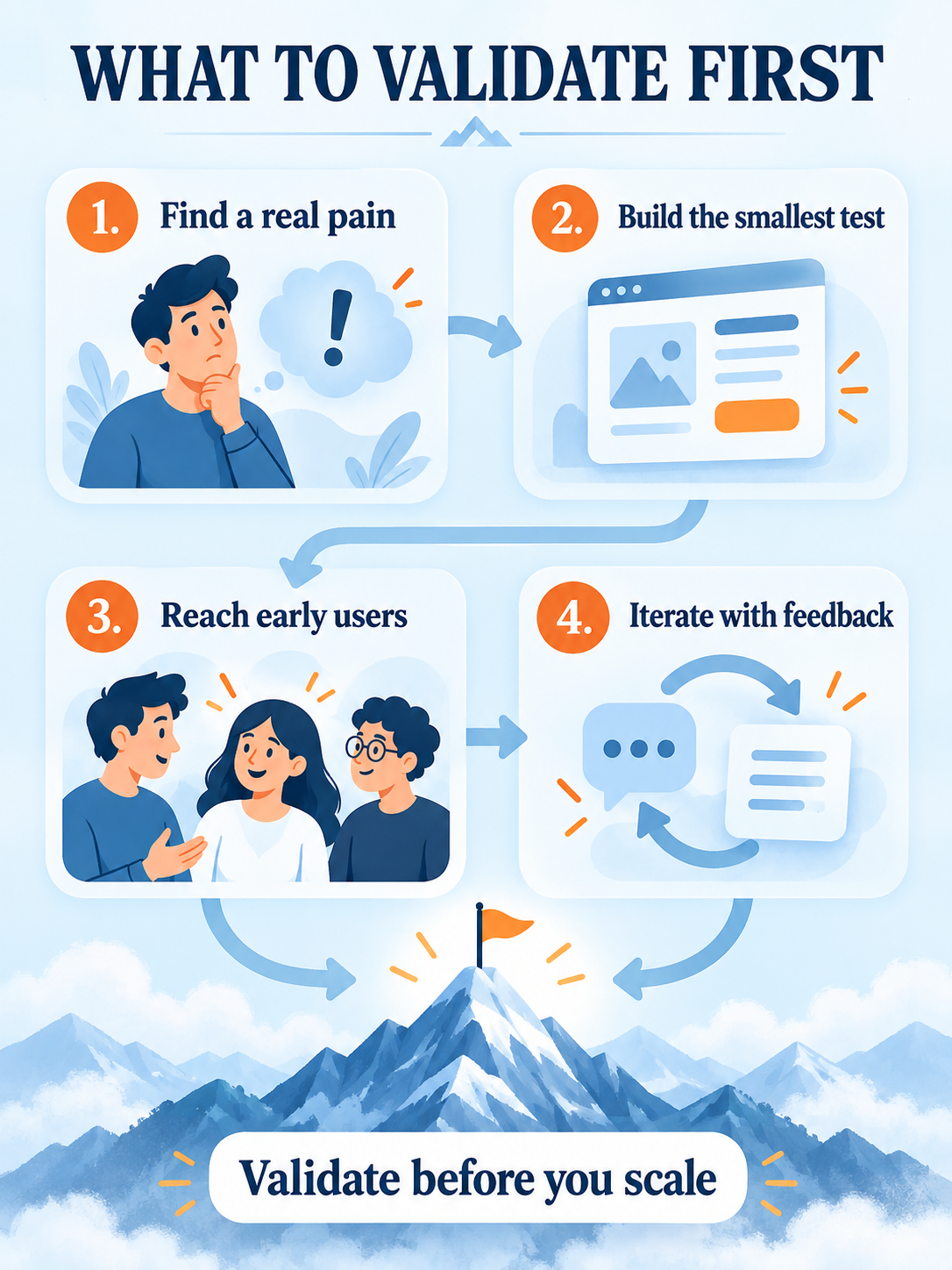
Organize professional content into slides
Add the point or case
Keep source context, boundaries, and evidence in the input.
Shape the claim and support
Arrange each page around how a professional reader evaluates the idea.
Review before publishing
Check facts, language, and compliance boundaries before download.
A delivery made for professional readers
- Five professional carousel slides by default
- Built around claim, support, and implication
- Useful for frameworks, cases, and B2B content
FAQ
Will it add case-study data automatically?
No. Provide facts you can publish and verify; review all generated content before distribution.
Can I make a single framework graphic?
Yes. The creator also includes one-image framework tasks when the topic does not need a multi-page reading path.